
TRARO with D5 Render, Enscape, Lumion and Twinmotion
TRARO does not compete with your render engine: it solves the camera movement for it. You design the shot in TRARO, from the view you already framed, and export it in the format your engine understands. D5 Render and Twinmotion take it as keyframe views ready to animate; Enscape opens it as a Video Path.
The hard part of an architectural video is not photorealism — it is getting the camera to move well. Placing keyframe after keyframe by hand until the motion stops jolting is the tedious job, and it is exactly the one TRARO does in a click.
video pending
How the export works
- Frame the 3D view the way you want the shot to start or end, and pick the movement in TRARO. The live preview shows you the path before you export anything.
- Open Export to external and choose the destination: D5 Render, Twinmotion or Enscape.
- For Enscape, TRARO writes an XML camera path file. You load it in Enscape as a Video Path and the whole trajectory is there, timing included.
- For D5 Render and Twinmotion, TRARO creates 12 keyframe views in the Revit Project Browser, grouped under "TRARO". Sync with Direct Link or D5 Livesync and use them as animation keyframes.
What you gain: the render engine keeps doing what it does well — materials, lighting, photorealism — and you skip the part nobody enjoys, which is wrestling with the camera until the motion looks professional.
And if you do not want a render engine at all
TRARO records its own video, and that is where it stops being a helper tool. The result is not trying to look like a photograph: it is trying to look like the way you draw. A visual system of your own, applied to the model, with a cinematic finish.
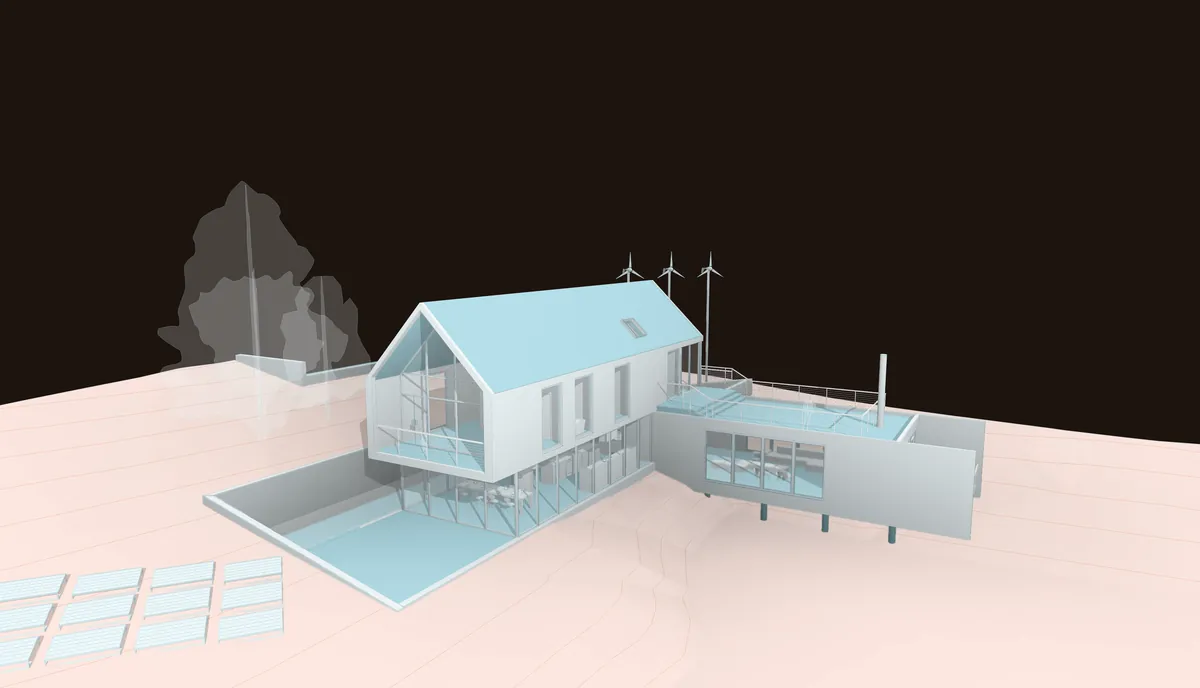
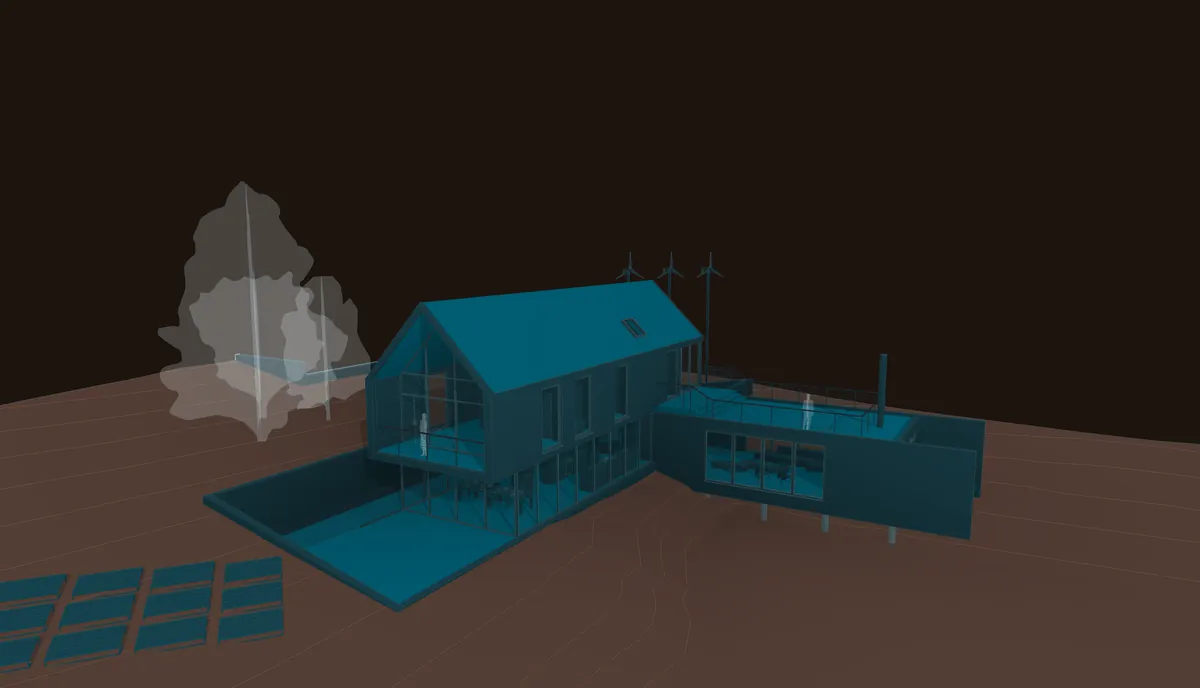
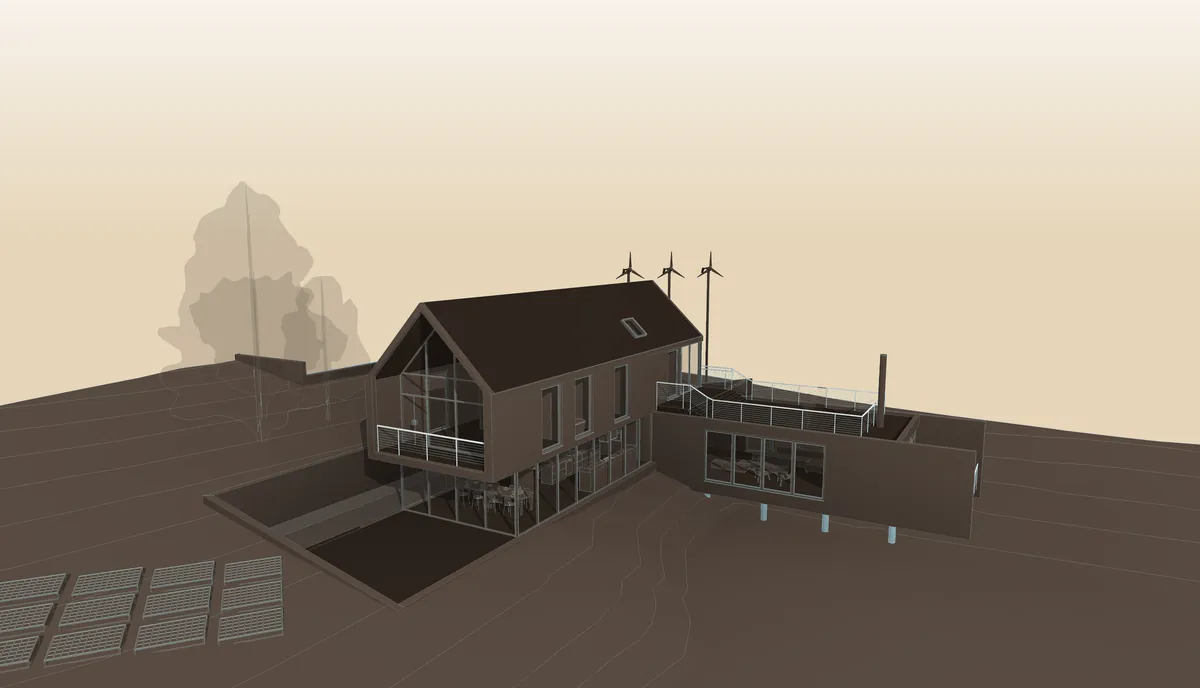
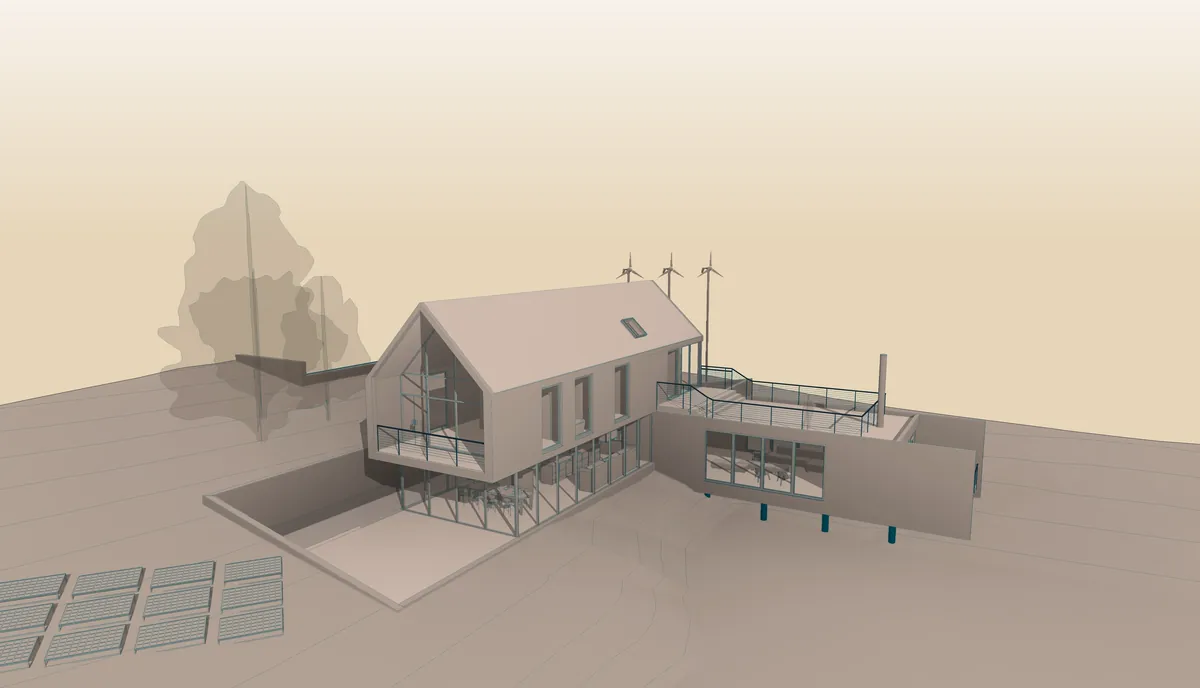
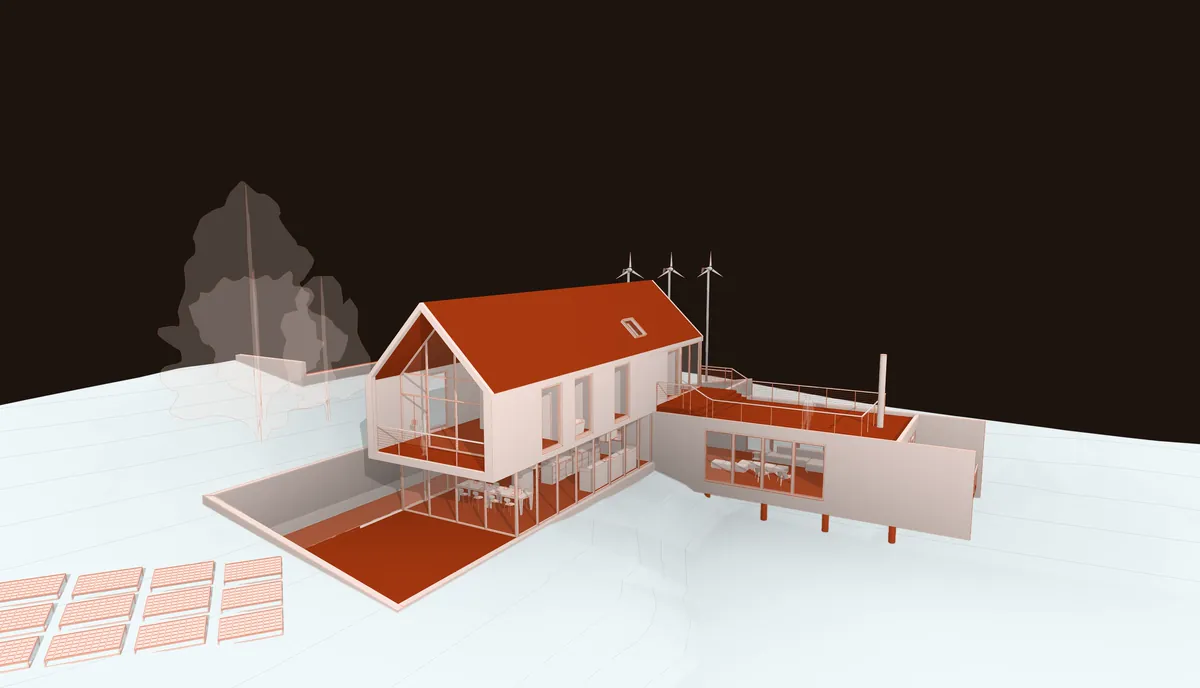
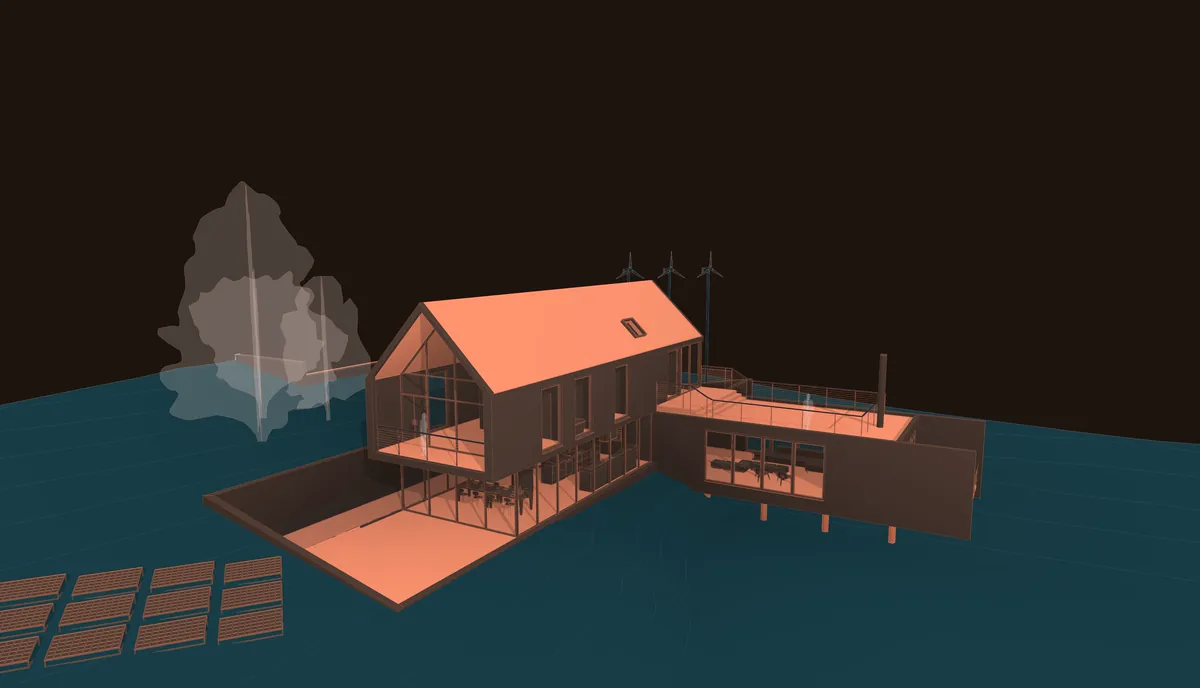
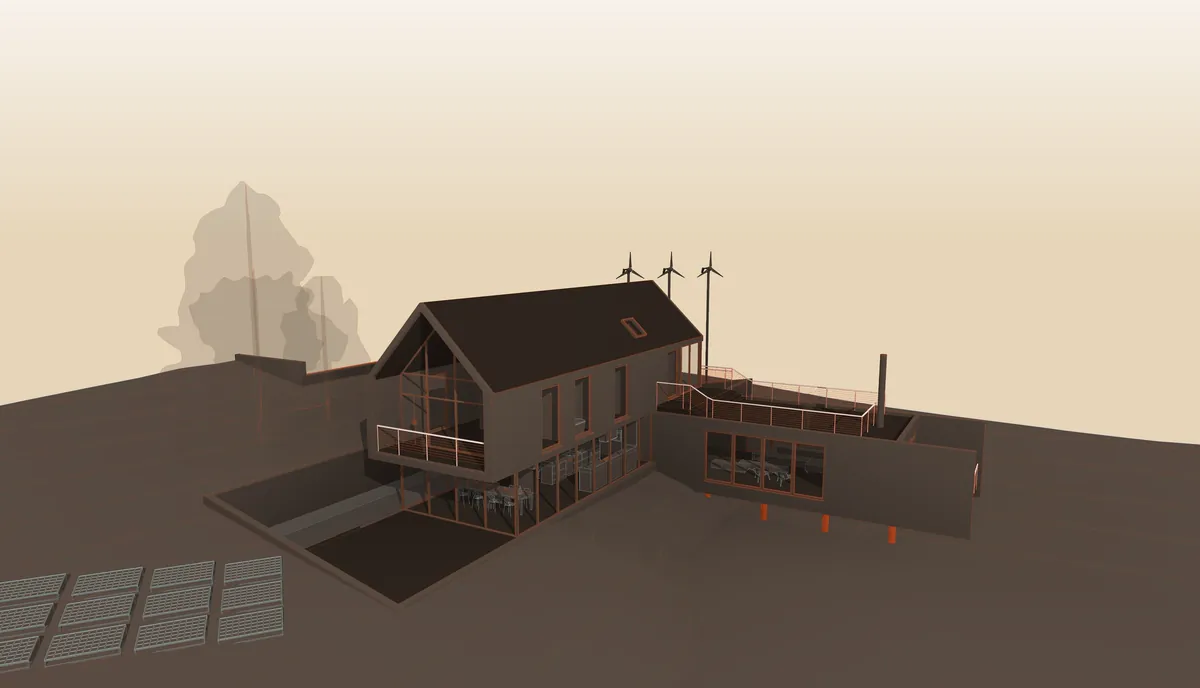
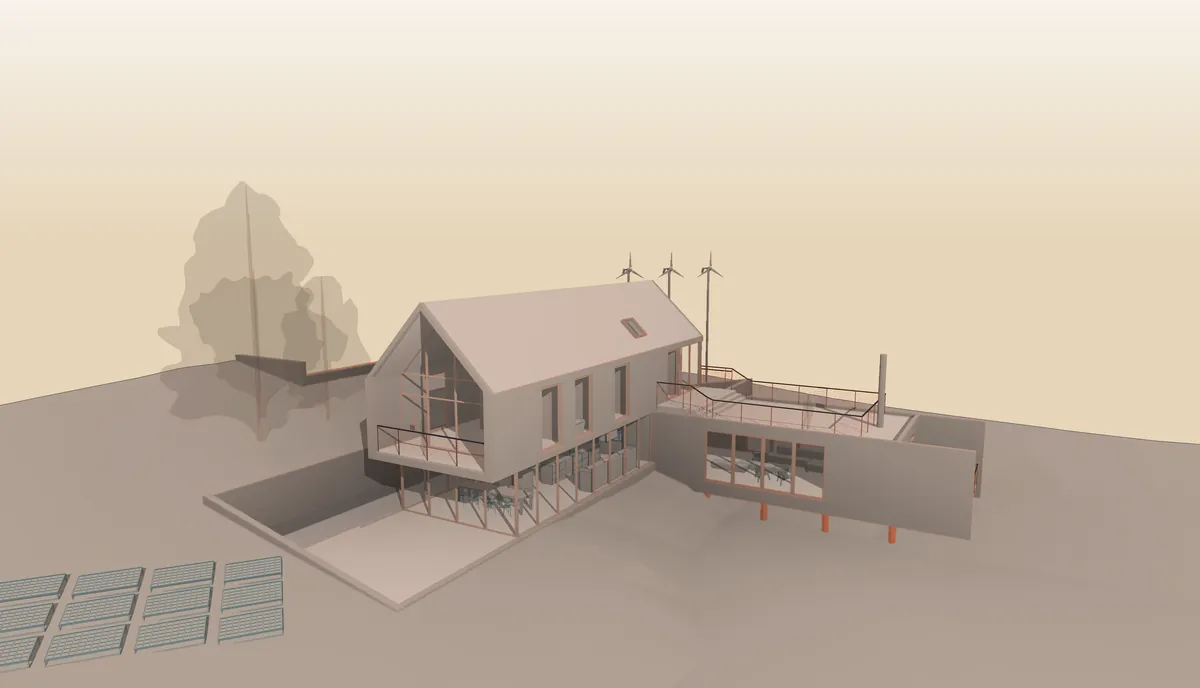
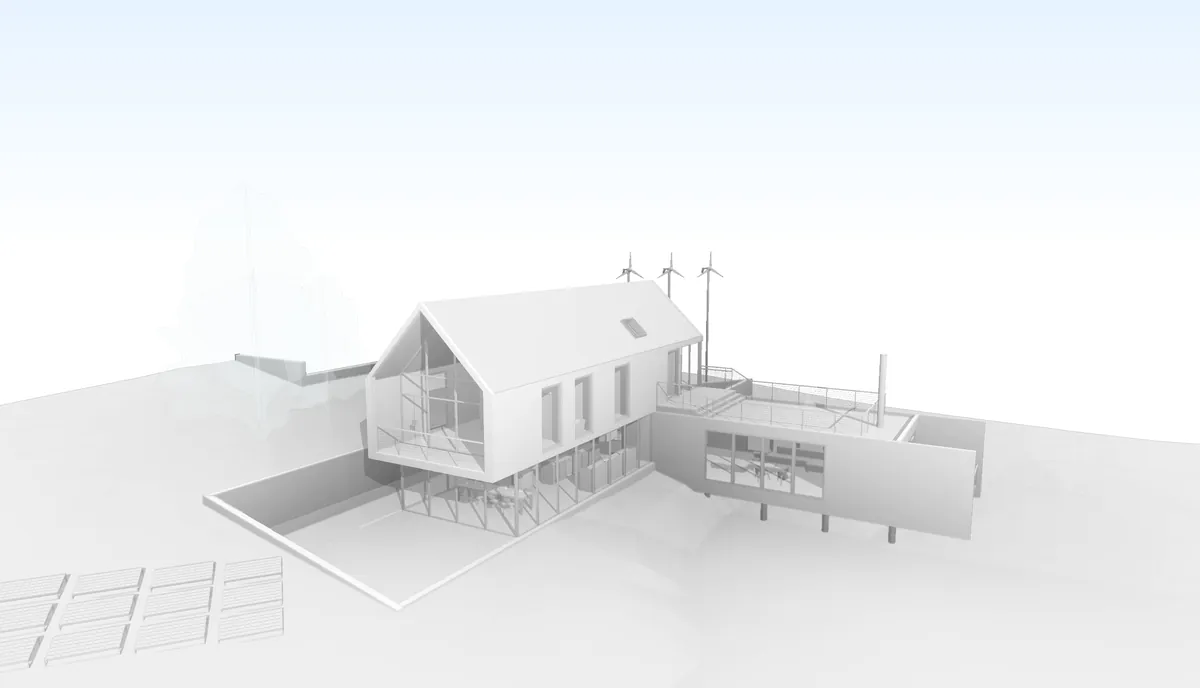
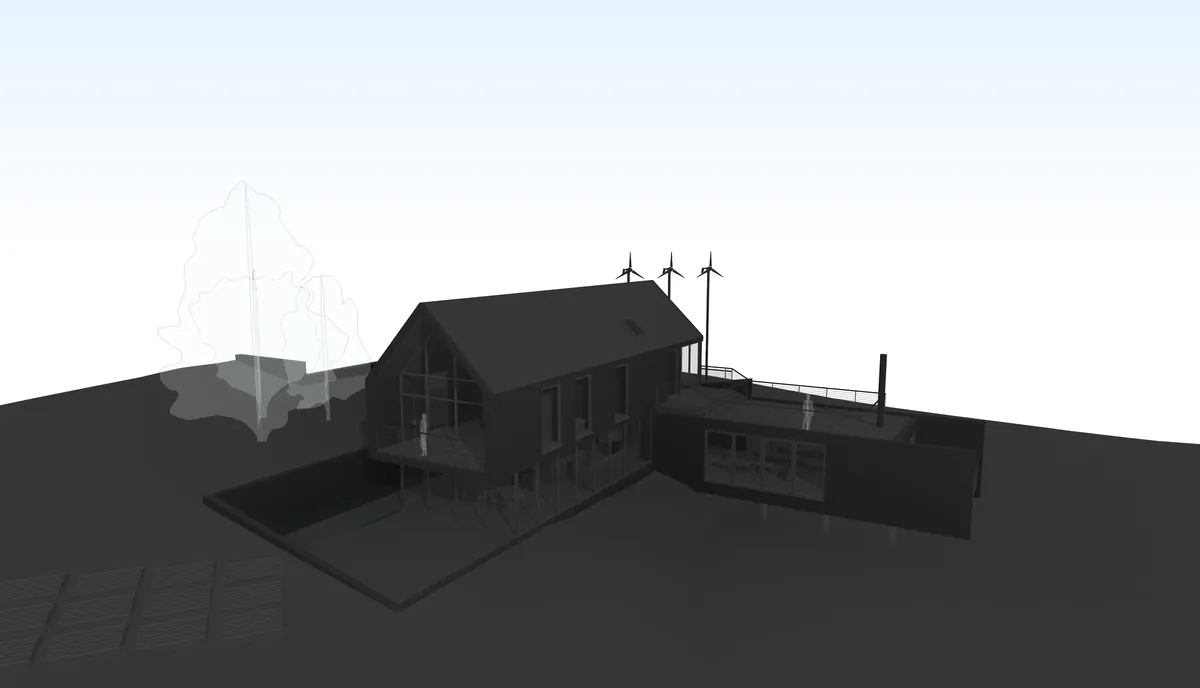
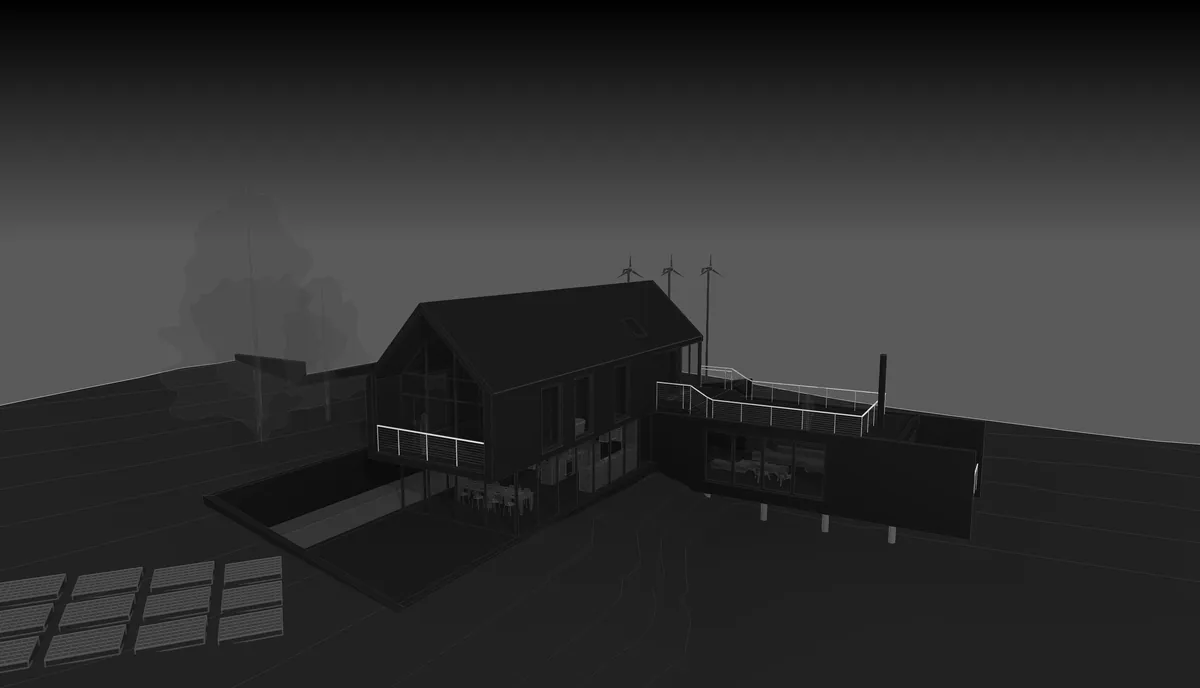
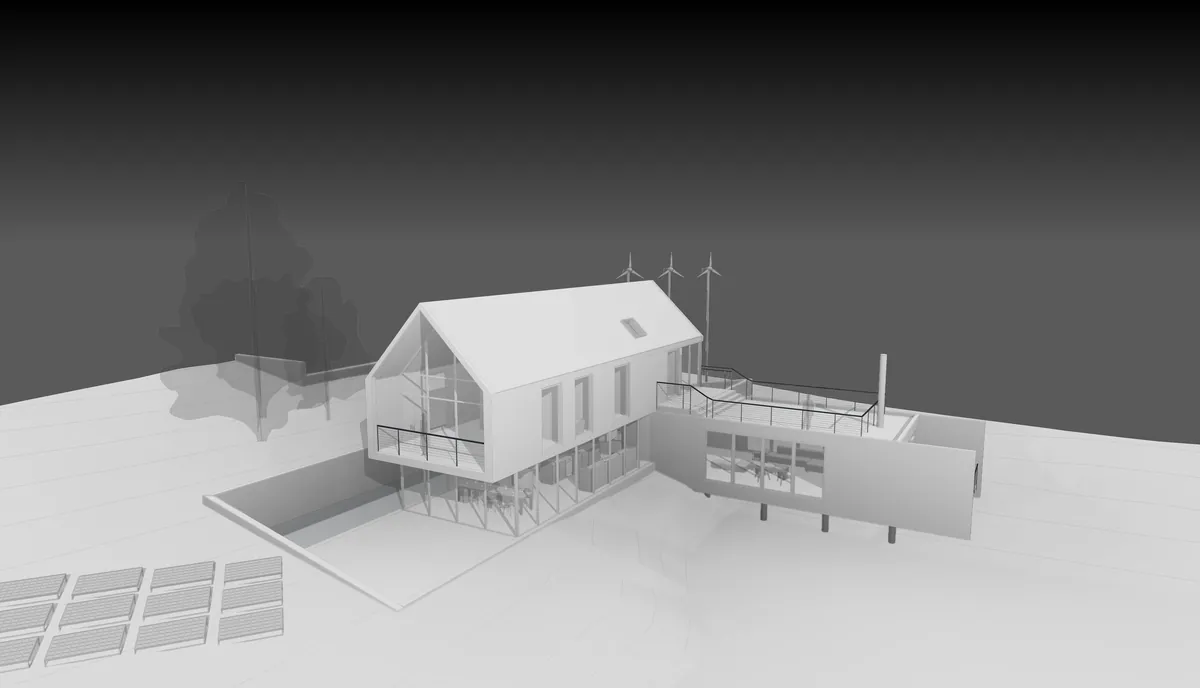
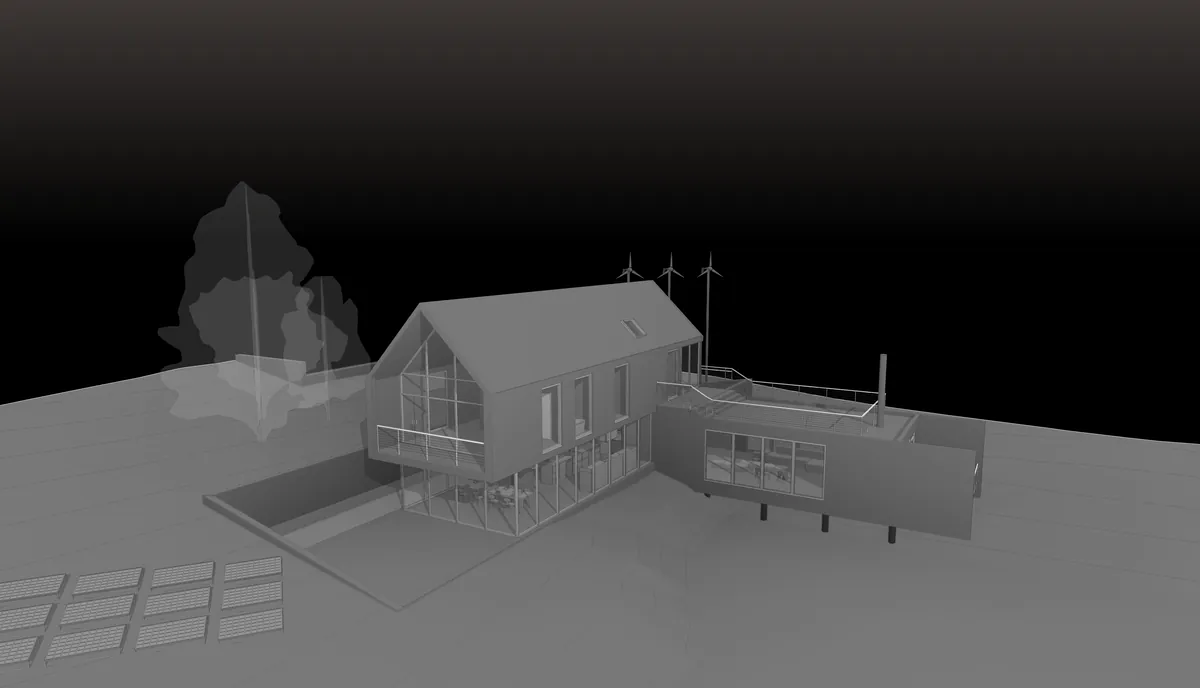
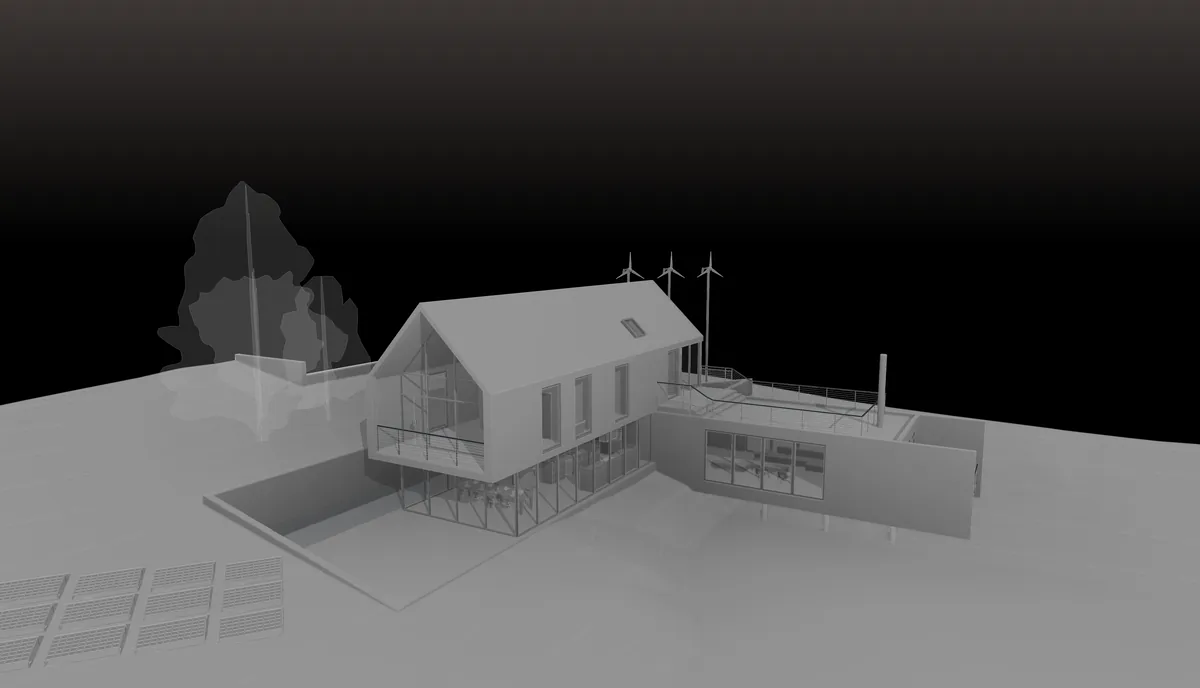
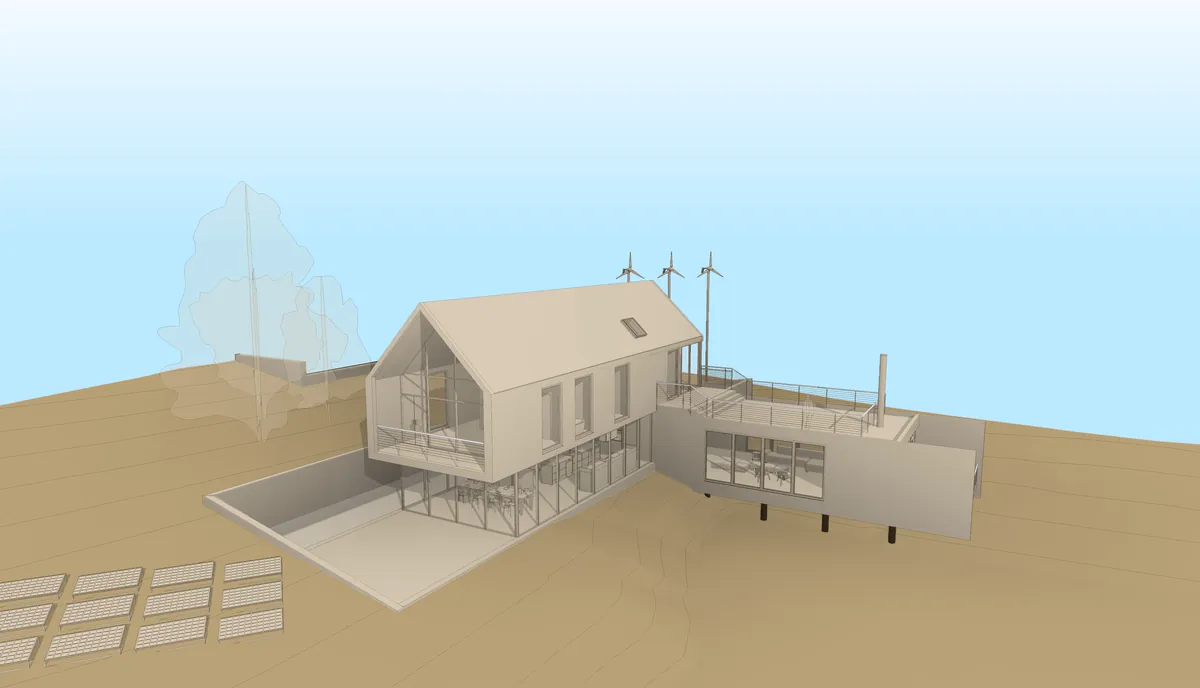
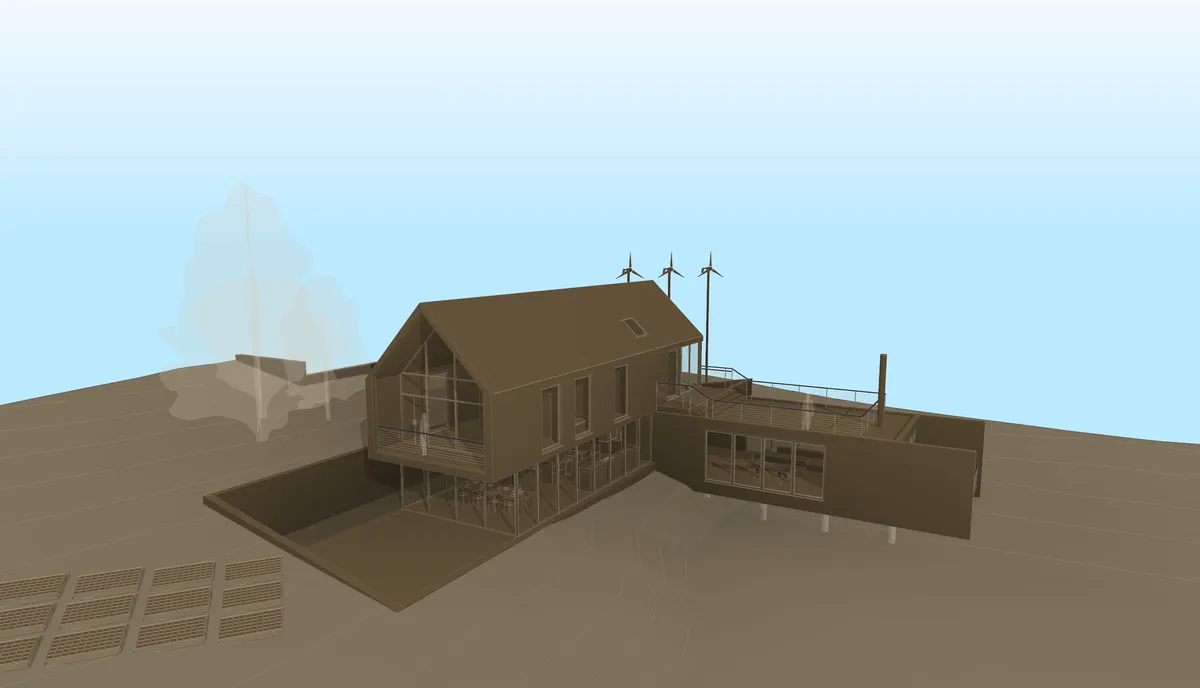
Four of the eight Signatures TRARO VIZ ships with, and the four MAQUETA collections. Same model, different visual signatures — none of them touch the geometry.
That opens a kind of piece a render engine does not give you: the concept video. The idea before the finish — volumes, movement, light, the intent of the project — without waiting for materials to be assigned or the detailing to be resolved.
If you work on a Mac: D5 Render is not an option
D5 Render is, right now, the most powerful engine and the one most people are using. And it does not run on a Mac. Revit does, inside a Windows virtual machine — that is how half the profession works — but D5 needs direct access to a dedicated GPU, and that is exactly what a VM cannot give it.
That is where TRARO came from. Its author is an architect who works in Revit from a Mac running Parallels and could not use D5 Render. Instead of buying a different computer, he asked which part of the video actually needed a render engine — and it turned out the part he cared about most, the movement and the character of the image, did not.
TRARO runs wherever Revit runs. If Revit opens in your virtual machine, so does TRARO.
That does not make it a substitute for D5: if you need photorealism and you are on a Mac, the way out is still a PC with a GPU or a cloud rendering service. But for the presentation video, the progress review or the concept piece, there is a road that does not go through buying another computer.
What each tool asks of you before it gives you a video
| D5 Render | Enscape | Twinmotion | Lumion | TRARO | |
|---|---|---|---|---|---|
| What it is | Real-time render engine, separate app | Real-time render engine, as an add-in | Render engine on Unreal Engine, separate app | Render engine, separate app | Movement and style engine, as an add-in |
| Where it runs | Outside: you sync with D5 Livesync | Inside Revit | Outside: you sync the model | Outside: you export the model | Inside Revit |
| On Mac (Revit in a VM) | Does not run: needs a dedicated GPU with direct access | Limited | Limited | Limited | Yes: it runs wherever Revit runs |
| Materials and lights | You assign them | You assign them | You assign them | You assign them | None: it starts from your view |
| Camera movement | Keyframes by hand | Keyframes by hand | Keyframes by hand | Keyframes by hand | 15 computed movements, or a free path |
| Result | Photorealistic | Photorealistic | Photorealistic | Photorealistic | A visual language of your own, with a cinematic finish |
| Combines with TRARO | 12 keyframe views over D5 Livesync | Camera path as XML, loaded as a Video Path | 12 keyframe views over Direct Link | Through Revit views | — |
| Pricing model | Free tier and annual subscription | Annual subscription | Free below a revenue threshold | Annual subscription, the priciest | One-time USD 39, or a free version |
Third-party prices change; check each vendor's own site. Twinmotion in particular is free for studios below a revenue threshold, commercial work included.
So which one?
A render engine, when the delivery lives or dies by how real the image looks: a competition, a property developer, an advertising piece. TRARO does not replace it — but it can hand it the camera path already solved.
TRARO on its own, when you want a piece with a character of its own and you want it this week: a progress review, a mid-project presentation, a concept video, a social post. From model to MP4 with no steps in between.
Both, which is the most common setup: TRARO designs the movement and exports it, the engine renders it. Each one doing its job.
What TRARO does not do
It does not give you photorealism. No volumetric clouds, no grass that moves, no computed reflections, no people or vehicle library. If that is what you are missing, you need a render engine — and then the right question is not which to choose, but how to make them work together.